
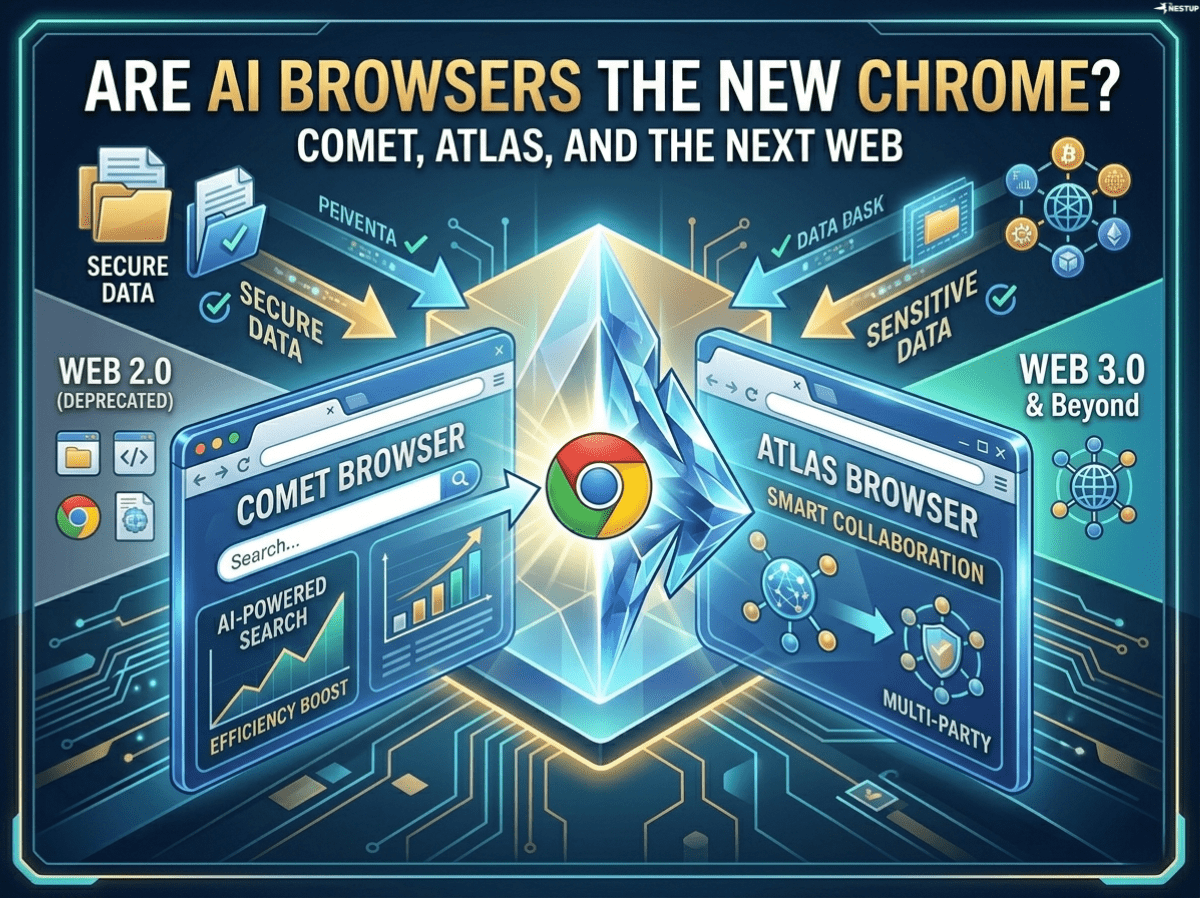
The Shift: From Browsing Pages to Asking Questions
For the last two decades, browsers like Google Chrome defined how we interact with the internet—open tabs, search keywords, click links, repeat. But AI browsers are quietly changing that model.
Instead of navigating the web manually, users can now ask for answers, summaries, comparisons, or even actions. This is a fundamental shift from navigation → interaction. The browser is no longer just a window to the web—it’s becoming an intelligent layer on top of it.
That’s where a new wave of AI-first browsers comes in.
Meet the Contenders: Comet, Atlas, Arc, and Brave
The competition is heating up, with several players redefining what a browser should do.
Perplexity Comet is built around AI-native search. Instead of traditional results pages, it delivers direct answers with sources, summaries, and follow-up questions. It feels closer to a research assistant than a browser.
OpenAI Atlas (still emerging) is expected to go even further—integrating AI deeply into workflows, potentially allowing users to automate tasks across websites rather than just read them.
Arc Browser, developed by The Browser Company, takes a different approach. It blends a clean interface with built-in AI tools that help summarize pages, organize tabs, and reduce clutter. It’s less about replacing browsing and more about improving it.
Brave Browser integrates AI through features like its assistant and privacy-first search. It focuses on combining AI capabilities with strong user privacy protections.
Search Quality: Answers vs Links
The biggest difference between traditional and AI browsers is how search works.
In Chrome, search is still largely link-based. You type a query and sift through results. AI browsers, especially Comet, invert that model. They deliver a synthesized answer first, with sources attached.
This dramatically reduces time spent jumping between tabs. For research-heavy tasks—like comparing products, learning a topic, or summarizing news—the improvement is noticeable.
However, there’s a trade-off. AI-generated answers can sometimes oversimplify or miss nuance. Power users still rely on raw sources for deeper verification. So while AI search is faster, it’s not always more complete.
Productivity: Do AI Browsers Actually Save Time?
This is where the promise becomes real—or falls apart.
AI browsers shine when tasks involve aggregation and synthesis. Summarizing long articles, extracting key points, or comparing options can be done in seconds instead of minutes.
For example, instead of opening five tabs to compare tools, an AI browser can generate a side-by-side breakdown instantly. Over time, these small time savings compound into meaningful productivity gains.
But there’s a catch. For simple browsing—like quickly checking a website or reading a single article—AI adds little value. In some cases, it even adds friction if the interface becomes too complex.
So the time-saving benefit depends heavily on how you use the web. Researchers, analysts, and knowledge workers gain the most. Casual users may not notice a big difference.
Privacy: The Trade-Off No One Talks About Enough
AI browsers raise a critical question: what happens to your data?
Brave Browser positions itself strongly here, emphasizing local processing and minimal data tracking. This appeals to users who prioritize privacy.
On the other hand, AI-heavy platforms like Perplexity Comet and OpenAI Atlas rely more on cloud-based processing. This enables powerful features but requires sending queries and context to external servers.
The trade-off is clear: more intelligence often means less privacy—unless companies find ways to push more AI processing onto local devices.
Integrations: The Real Battleground
The next phase of browser competition won’t be about search—it will be about integration.
Traditional browsers are passive. AI browsers aim to be active participants in your workflow. That means connecting with tools like email, documents, calendars, and even SaaS platforms.
OpenAI Atlas is expected to push hardest in this direction, potentially acting as an “agent” that can complete tasks across multiple websites. Think booking travel, filling forms, or managing workflows automatically.
If this vision materializes, the browser stops being a tool and becomes an execution layer for the internet.
Arc’s Middle Ground: Evolution, Not Revolution
Arc Browser represents a more gradual approach. Instead of replacing browsing with AI, it enhances the experience—cleaner UI, smarter tab management, and optional AI features.
This makes it easier to adopt. Users don’t have to change how they browse—they just get a better version of it. In many ways, Arc is what Chrome could have evolved into, but didn’t.
Are AI Browsers Replacing Chrome?
Not yet—and probably not entirely.
Google Chrome still dominates because of its ecosystem, speed, and familiarity. Most users don’t feel enough pain to switch.
But AI browsers are not trying to replace Chrome overnight. They are targeting specific use cases—research, productivity, automation—where they are already better.
Over time, as these use cases expand, the balance may shift.
The Bigger Trend: Browsers Becoming Agents
The real story isn’t about which browser wins. It’s about what browsers are becoming.
We are moving from:
- Browsers that display information
to - Browsers that interpret, summarize, and act
This is a profound change. It turns the browser into something closer to an operating system for the web—one that understands intent, not just input.
Final Thoughts: A Transition, Not a Takeover
AI browsers are not a sudden disruption—they are a gradual transition. Today, they coexist with traditional browsers, each serving different needs.
But the direction is clear. As AI becomes more capable and integrated, the idea of manually navigating dozens of tabs will start to feel outdated.
The future browser won’t just help you find information. It will help you use it—and increasingly, act on it.
And when that happens, Chrome won’t disappear. But it may no longer define the web the way it once did.