
1. Stop Building a "Gadget Graveyard"
Most home offices are a museum of failed promises—a cluttered "gadget graveyard" of flashy desk toys, RGB-lit novelties, and trendy accessories that do nothing but gather dust. To survive the 2027 work landscape, you must stop viewing your office as a collection of furniture. It is a high-performance tool.
My core philosophy is simple: your workspace should be engineered to reduce physical fatigue, protect your focus, and create a frictionless workflow. If a piece of gear doesn't actively lower the biological or cognitive cost of doing your job, it's dead weight. We are moving toward an era where the home office is no longer a novelty; it is a dedicated studio for deep work.
2. Prioritize Your Physical Touchpoints (The $500 Rule)
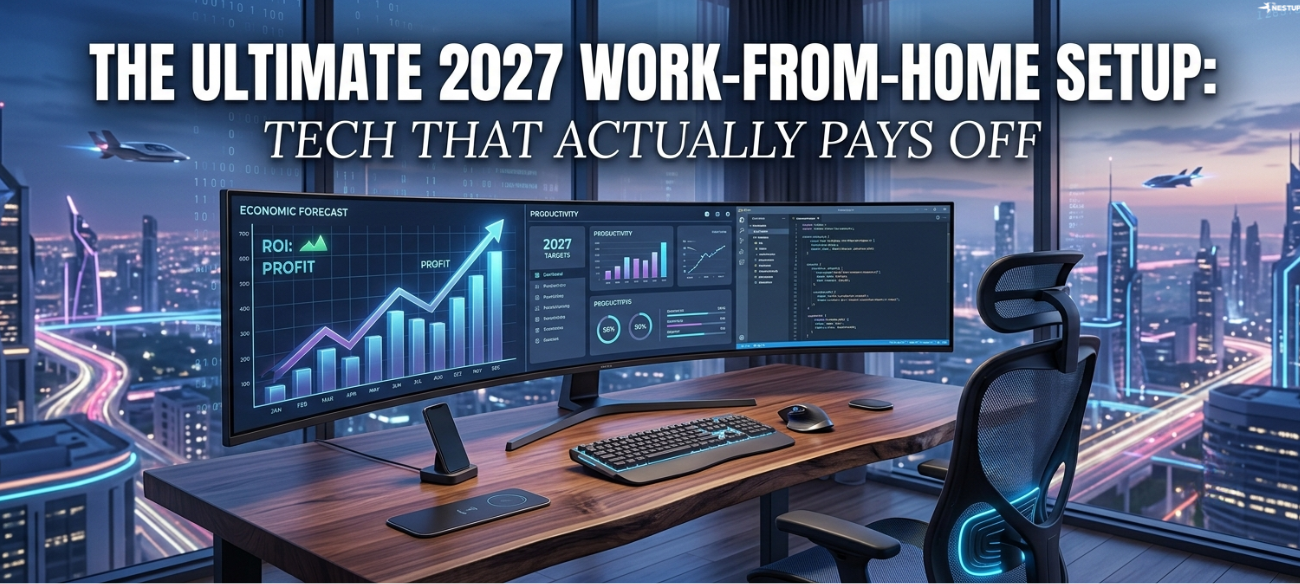
If you are building an office on a budget, ignore the marketing for motorized standing desk frames. At the entry-level, "bells and whistles" are just distractions from what actually matters. Follow the "Tier 1" philosophy: invest your first $500 into the three physical touchpoints where your body meets the machine.
For a total of roughly $500, you can secure a professional-grade ecosystem. First, the Clatina Mellet Ergonomic Chair is a massive value play; it offers depth tuning and lumbar support that rivals boutique brands at a fraction of the cost. Second, pair it with the ASUS ProArt 27-inch Display. You need color accuracy and real estate to prevent eye strain. Finally, the goal of these essentials is non-negotiable:
"It should be to invest in high-leverage hardware that reduces physical fatigue, protects your focus, and makes your daily workflow frictionless."
3. The Vertical Edge: Biology Over Aesthetics
Traditional mice are an ergonomic disaster. They force your forearm into a prone position that creates chronic strain. For anyone billing 40+ hours a week, the Anker Vertical Ergonomic Mouse is a mandatory upgrade.
The secret is the "Handshake Position." By shifting your wrist into a natural vertical orientation, you eliminate the underlying fatigue that plagues professionals navigating dense spreadsheets or performing precision text editing. It looks "weird" because it was designed for human anatomy rather than 1990s design conventions. In the 2027 Manifesto, we prioritize biology over aesthetics every single time.
4. Kill the Dual-Monitor Setup with Ultrawide Real Estate
The dual-monitor setup is a relic of the past that introduces unnecessary friction. Between the "clunkiness" of monitor bezels and the constant neck-panning, dual screens actually increase your cognitive load.
Upgrade to a 34-inch ultrawide like the Gigabyte M34WQ. This isn't just about "more space"; it's about eliminating the switching cost of jumping between tabs. An ultrawide allows you to snap a research article, an interactive outline, and your main drafting document side-by-side on one continuous canvas. This facilitate "deep-focus drafting" by keeping all your context in your immediate field of vision, effectively removing the digital friction that breaks your flow state.
5. Transform Your Presence: From "Webcam" to "Studio."
In a remote-first world, your video feed and audio quality are your professional first impression. For executive roles, a standard webcam is a liability. Moving to a "Tier 3" studio setup is a strategic advantage for high-stakes meetings and client pitches.
- Video: The Sony Alpha a6400 Mirrorless Camera provides a depth of field and clarity that makes you appear physically present in the room.
- Audio: Using a Shure SM7B Vocal Microphone isn't about vanity; it's about authority. It isolates your voice and eliminates room echo, ensuring that your message is heard without the distracting "hollow" sound of a laptop mic.
- Lighting: Soft, professional lighting via the Elgato Key Light Air eliminates harsh shadows, communicating a level of preparation and "executive presence" that a ceiling fan light never will.
6. The "Frustration-First" Upgrade Strategy
If you cannot overhaul your entire studio today, let your pain be your guide. Map your specific daily frustrations to their hardware solutions to ensure every dollar spent drives a productivity return:
- Physical Pain/Stiffness: If you wake up with lower back pain, stop buying tech and buy a legendary chair.
- Cognitive Overload/Tab Clutter: If you lose focus while jumping between messy browser windows, your priority is a 34-inch ultrawide monitor.
- Communication Friction: If you spend your day leading client pitches or recording narrative scripts, prioritize your microphone and lighting setup to remove the barrier between you and your audience.
7. The High-Performance Future
As we look toward 2027, the line between a "home office" and a "professional studio" has blurred. By focusing on high-leverage hardware that supports your body and protects your focus, you transform your workspace from a cost center into a productivity engine.
Which part of your work-from-home setup is currently creating the most friction in your day, and what is the one high-leverage change that would eliminate it?
Disclaimer: This article contains affiliate links. If you choose to purchase any of these items through our links, we may earn a small commission at absolutely no extra cost to you. Thank you for supporting our work!