
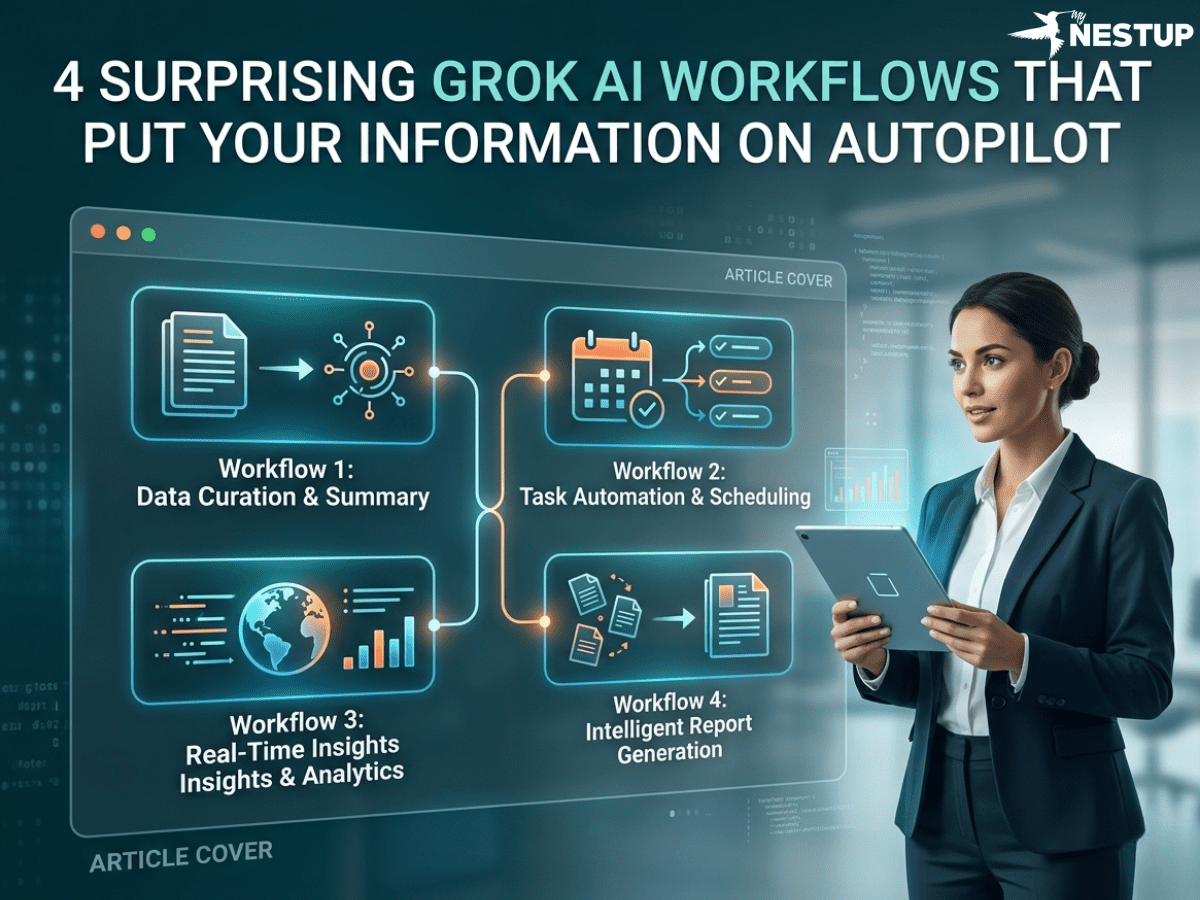
Introduction: Beyond the Chat Window
We all face the daily grind of staying informed—a manual, repetitive process of sifting through industry news, monitoring social media, and compiling reports. This constant information triage consumes valuable time, but what if you could architect a system to do it for you? While most see AI as a conversational partner, its true potential lies in automation, and a new paradigm for building these systems is here.
Enter Grok AI. It's not just another chatbot; it’s a powerful platform for designing automated workflows that I call "Repeating Insight Pipelines." By leveraging its unique trifecta of real-time access to the X platform, powerful agentic capabilities via the Agent Tools API, and built-in scheduling, you can move from asking questions to architecting autonomous systems. This article unveils how to design four of the most impactful workflows that put your information gathering and analysis on autopilot.
1. Build a Daily Intelligence Briefing That Runs on Autopilot
Imagine starting your day with a concise, custom intelligence report already waiting for you. This is the output of a well-architected Grok workflow. You can design a system that acts as a personal analyst, compiling data from multiple real-time sources—from emerging trends on X to breaking news articles across the web. The result is a structured, easy-to-digest report with headlines, summaries, and crucial insights tailored to your exact needs.
This represents a fundamental shift because it saves immense time while delivering fresh, personalized intelligence. More importantly, it demonstrates how Grok's features work as an interconnected system. This briefing is made possible by combining Grok's real-time monitoring capabilities (covered in point 3) with the simple, built-in scheduler, Grok Tasks (covered in point 4). It’s the perfect example of a complete, automated insight pipeline.
2. Turn Grok into an Autonomous Agent That Chains Together Tasks
Grok is far more than a simple request-response tool. Its "agentic capabilities" mean it can function as an autonomous agent that intelligently chooses and uses tools to execute a sequence of actions. This is where your role shifts from an operator giving commands to an architect designing a process. In practice, this means Grok can autonomously decide to use the right tool for each step, like using a web search first, then processing the results with code execution.
A clear application of this is an Automated Data Analysis Pipeline. You can instruct Grok to: (1) use its web_search tool to find recent stock performance data; (2) process that data with its code_execution tool to calculate trends; and (3) generate a final summary. This autonomous, multi-step execution is the engine behind sophisticated "Repeating Insight Pipelines," allowing you to design a system that reliably produces complex analysis on a recurring basis.
3. Monitor Live Topics and Sentiments Directly from the Source
One of Grok’s most significant strategic advantages is its native integration with the X platform, which, combined with its web_search and x_search tools, enables unparalleled real-time monitoring. This framework allows you to move from reactive searching to designing proactive, automated monitoring systems that track evolving topics, brand mentions, or breaking news as it happens.
For example, you can design a recurring workflow with a prompt like: "Search X for posts about 'quantum computing' in the last 24 hours. Summarize key themes and sentiments." This transforms a manual, repetitive search into an automated system that proactively alerts you to important developments. For maximum automation, you can instruct Grok to format the output as structured JSON. This makes the data machine-readable, making it easy to feed directly into a custom dashboard, an alerting system, or another automated process.
4. Schedule Repetitive Jobs with a Built-in Timer
Perhaps the most practical feature for activating your workflows is Grok Tasks. This built-in scheduler allows you to run any prompt on a timed interval—hourly, daily, or weekly—without writing external scripts or configuring cron jobs. This feature is the key that unlocks consistent, set-and-forget automation for all the workflows described above.
This is a game-changer because it democratizes enterprise-grade automation, making continuous intelligence accessible without a line of code. It lowers the barrier to entry, empowering anyone to design and deploy powerful, recurring pipelines for monitoring and reporting. And for those who need to architect more complex systems, the API is always available for custom integrations with tools like n8n, Make, or your own scripts.
Conclusion: Putting Your Information on Autopilot
Grok's true power is unlocked when you move beyond simple prompts and begin architecting automated systems that work for you. By designing workflows that chain together its agentic tools, real-time data access, and built-in scheduling, you can save significant time, maintain constant awareness of critical developments, and unlock deeper insights. These automated pipelines transform Grok from a tool you use into a system that delivers continuous value.
What is the one repetitive information-gathering task you do every day, and how could you design a Grok workflow to automate it?
When you’re ready to start building, explore the xAI API docs and experiment with prompts and tools to bring your first automated intelligence system to life.