
We’ve all been there: staring at a calendar that looks like a game of Tetris played by someone who hates you. For months, I was drowning in "shallow work"—answering emails that didn't matter, prepping for meetings that could have been memos, and losing hours to the "research rabbit hole."
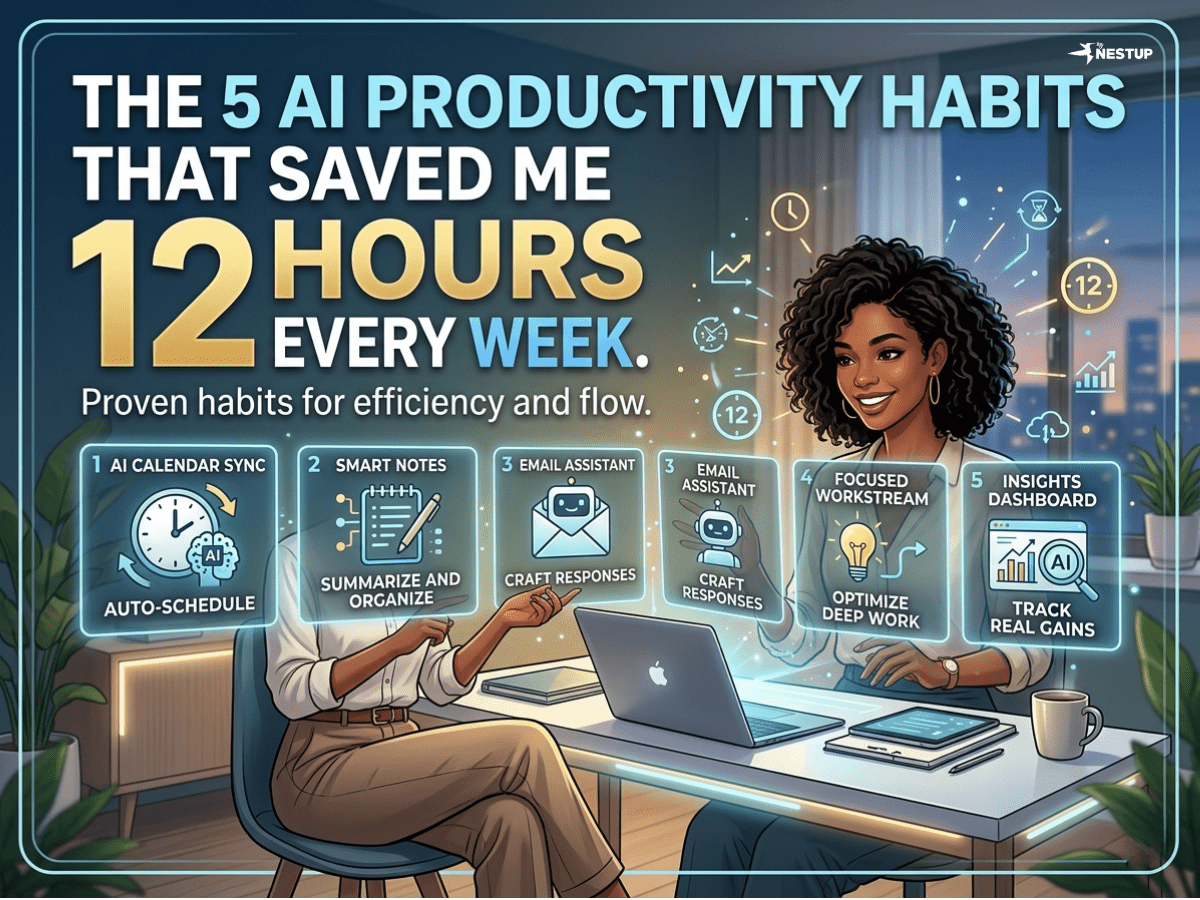
Then I decided to stop using AI as a chatbot and start using it as an operating system. By moving from manual tasks to automated AI workflows, I reclaimed 12 hours of my life every single week.
Here is the exact blueprint of the 5 AI habits that changed everything.
1. The 7:00 AM "Intelligence Briefing"
The Habit: Instead of scrolling through Slack and news feeds with my morning coffee, I wake up to a single, 300-word executive summary of my entire world.
The Workflow: I use Zapier Central (or n8n) to trigger an automation at 6:45 AM. It scrapes my unread Slack mentions, my "Urgent" Gmail label, and the top 3 industry news stories from Perplexity.
- Tool Recommendation: Zapier + Perplexity API
- The Prompt:
"Review the attached Slack messages and emails. Identify any blockers, urgent requests, or schedule changes. Synthesize these with the top 3 headlines in [Industry Name] from the last 12 hours. Deliver a bulleted briefing: 1. Immediate Actions, 2. Calendar Shifts, 3. Industry Pulse."
2. Email Triage with Claude (The "Draft-First" Rule)
The Habit: I never write an email from scratch anymore. My inbox is pre-processed before I even open it.
The Workflow: Using Claude Code or a simple API connection, every incoming email is categorized into "Action Required," "FYI," or "Archive." For the "Action Required" pile, Claude drafts a response based on my previous "Sent" folder style.
- Tool Recommendation: Claude (Anthropic) + Gmail MCP
- The Prompt:
"Act as my Chief of Staff. Read this incoming email. Based on my previous tone and typical availability, draft a concise, professional response. If the sender is asking for a meeting, offer these three slots: [Insert your standard slots]. Save this as a draft."
3. Meeting Prep in 3 Minutes
The Habit: No more frantic "Wait, who is this person?" moments 60 seconds before a Zoom call.
The Workflow: I use Fathom or Fireflies.ai to sync with my calendar. Three minutes before a call, I ask the AI to "Catch me up." It pulls notes from our last meeting and the current email thread.
- Tool Recommendation: Fireflies.ai (AskFred feature)
- The Prompt:
"Search our meeting history for [Contact Name/Project]. Summarize the last three action items we discussed, any unresolved 'stuck' points, and their most recent LinkedIn update or company news from the last 48 hours."
4. Research Compression
The Habit: I stopped reading 40-page whitepapers and 20-minute YouTube tutorials. Now, I consume the logic, not the fluff.
The Workflow: I feed PDFs or YouTube URLs into Claude 3.5 Sonnet using a "compression" framework. This extracts the "Mental Models," "Data Points," and "Counter-Arguments" without the marketing filler.
- Tool Recommendation: Claude 3.5 Sonnet
- The Prompt:
"Analyze this document/transcript. Extract: 1. The core thesis (1 sentence), 2. The 5 most significant data points, 3. Any logical fallacies or weak evidence, 4. A 'so what?' summary for my specific role in [Marketing/HR]."
5. The "End-of-Day" Automated Reflection
The Habit: Ending the day with a "shutdown ritual" that ensures I don't take work stress to bed.
The Workflow: At 5:00 PM, an automation pulls all my "Completed" tasks from my PM tool (Notion/Asana) and my meeting transcripts. It generates a "Wins vs. To-Dos" list for tomorrow.
- Tool Recommendation: Notion AI or Asana Intelligence
- The Prompt:
"Based on my activity today, list the 3 biggest goals I achieved. Then, identify the top 3 tasks that were pushed to tomorrow and why. Finally, give me a 'Deep Work' suggestion for my first 90 minutes tomorrow morning to ensure the most important task gets done."
Final Thoughts
Reclaiming your time isn't about working harder; it's about building a "Digital Twin" that handles the noise. Start with one of these—I recommend the Morning Briefing—and watch how quickly your "busy" work turns into "impact" work.
Which of these workflows are you going to try first? Let me know in the comments!